![[CCO] Certification Coaching Organization LLC](https://www.cco.us/wp-content/uploads/2015/05/CCO-Logo-2015-d3-500px.png "[CCO] Certification Coaching Organization LLC")
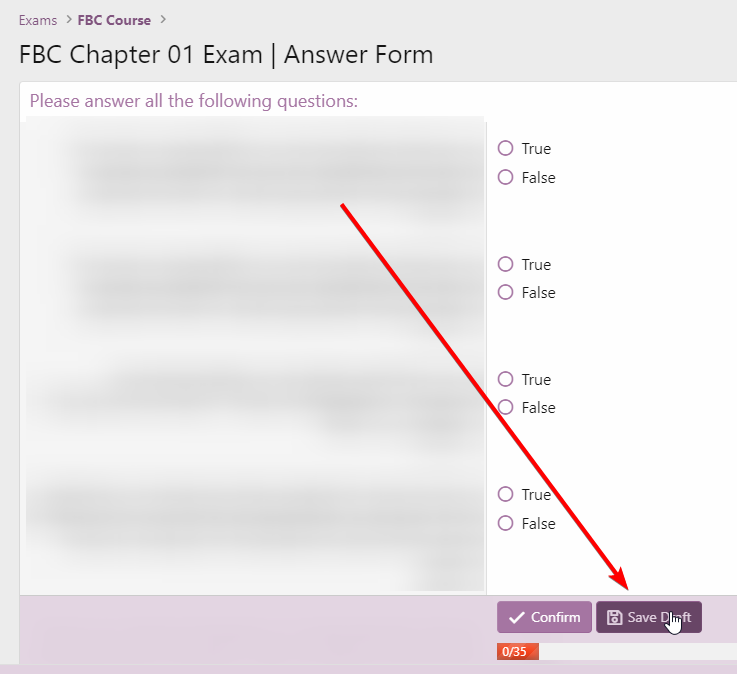
Yes, you can use the “Save Draft” button at the bottom of the Quiz to save your current progress.
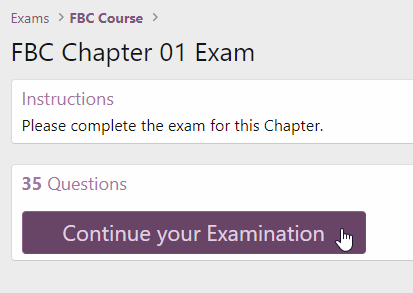
To Resume, revisit the exam and click the “Continue your Examination” button.
NOTE: Accidentally closing your browser during will NOT save the test. The “Save” steps above must be taken to save your exam and resume later. CCO Community does not utilize any kind of “auto-saving” feature.