![[CCO] Certification Coaching Organization LLC](https://www.cco.us/wp-content/uploads/2015/05/CCO-Logo-2015-d3-500px.png "[CCO] Certification Coaching Organization LLC")
If you wish to cancel a recurring membership, log into CCO Billing Area here at either https://cart.cco.us/updateinfo for recent orders or http://billing.cco.us if you ordered before 2025. If you don’t remember your password, there is a “forgot password” button on the page to request it by email (please check spam). The username is always the email you used to make your original purchase.
On the product listing page, you will see a “cancel” button beside your Membership. (If you do not see a cancel option, please contact us to cancel your membership.

Click the button to cancel your membership. You will continue to receive access until the current billing term expires. No further payments will be deducted.
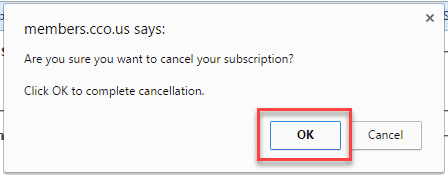
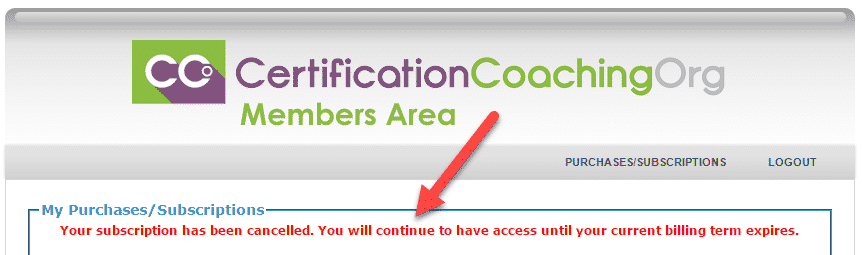
If you ask us to cancel your membership, it is instantaneous.
If I Cancel, Can I Re-Join the CCO Club Later?
Yes, but if we see a history of canceling/rejoining, you may need to repay any missed months since your cancellation date in order to be reaccepted into the Club. In addition, any lower, grandfathered rates or special pricing will be lost. In addition, if we see a history of joining briefly to only earn CEUs, we reserve the right to terminate access and block future purchases.
CCO Club Prime Members: Six (6) months after your cancellation date, you will need to make the initial CCO Club Prime down payment again to rejoin.